
One wrong button, and the evening news disappears behind a wall of apps. That is why smart TVs can feel less like televisions and more like moody roommates.
For many older adults, a TV used to mean power, volume, and channel. Now it means navigating menus, selecting inputs, and managing surprise updates with a remote that looks like it came from a spaceship.
The genuine confusion that arises when a screen suddenly flips to an unknown HDMI source is a classic example of aging humor.
If you enjoy stories about funny old people tangling with modern gadgets, smart TV chaos is hard to beat. Most of the trouble starts in the same few places, and these tech struggles are a staple of senior citizen humor for a reason.

- This funny tee is a perfect gag gift for an older man. This Funny Senior’s Texting Code Design is the perfect gift idea for the senior citizen, retired person, elderly person, grandpa or grandma person that loves texting, even if they struggle with it.
- If you or someone else likes to give the elderly citizens a handy guide or gift to texting then this theme design is great for you! Best gift tee for 90th, 80th, 70th, or 60th birthday.
- Lightweight, Classic fit, Double-needle sleeve and bottom hem

Last update on 2026-10-06 / Affiliate links / Images from Amazon Product Advertising API
Key Points
- Smart TVs often open to app-filled home screens instead of live TV, which frustrates seniors fast.
- Tiny buttons, cluttered menus, and confusing inputs cause most mix-ups.
- Features like Voice Guide can switch on by accident and make a TV seem haunted.
- Simple fixes, such as a basic remote and larger text, are essential tools for seniors using technology to avoid frustration and make a huge difference.
- Many “broken TV” moments turn out to be the wrong input, a loose cable, or a needed restart.
The smart TV problems seniors run into most often
A lot of these problems are funny because they are so ordinary. When a viewer sits down to watch their favorite show and the TV seems to want to launch a software career, it creates a hilarious misunderstanding between the user and the machine.
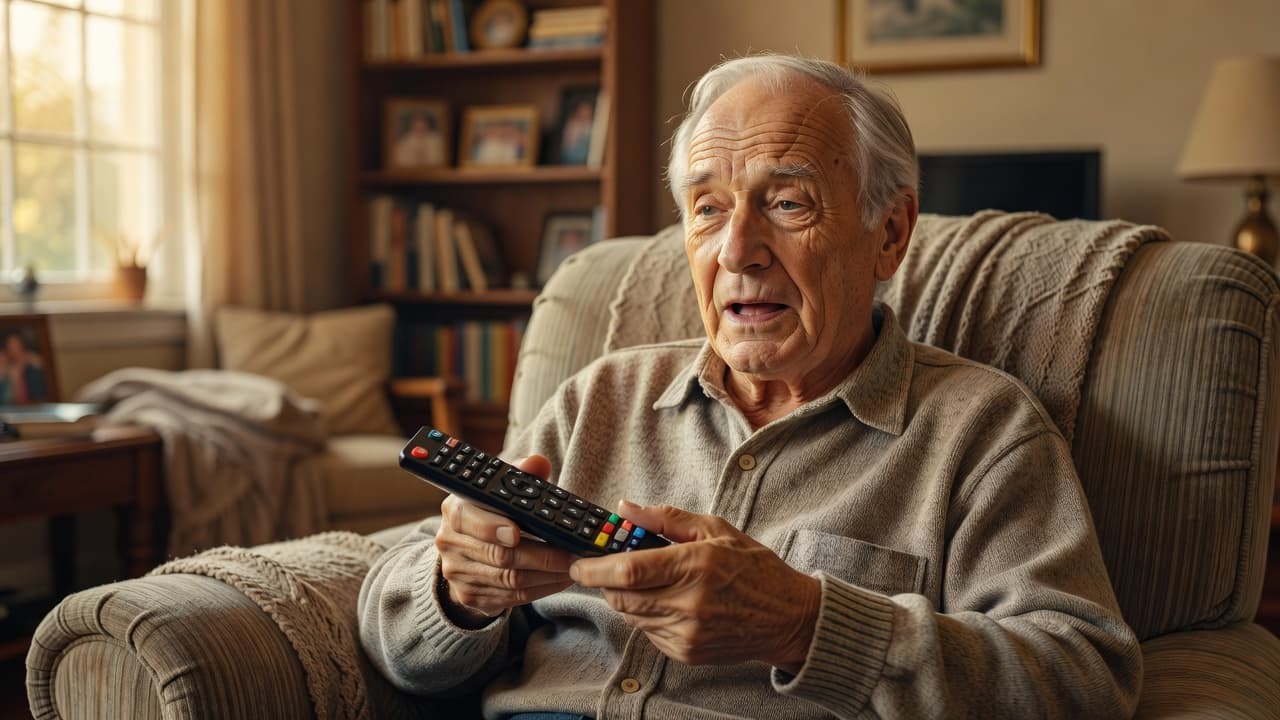 When the home screen shows up, and nobody asked for it
Many seniors turn on the TV and expect a channel. Instead, they get a giant homepage filled with apps, movie ads, and rows of show suggestions they never asked for.
That switch feels small to younger users, but to an older adult, it feels like opening the refrigerator and finding a bank website.
Some Vizio sets, especially after the 2021 software changes, have pushed users to SmartCast first, which is great for streaming and awful for anyone who only wants local news.
The joke writes itself. You press Power, and the TV responds, “Welcome back, would you like three thrillers, two cooking shows, and a subscription?”
Why the remote feels like it came from outer space
The remote is often the real villain. Buttons are tiny, symbols are vague, and one wrong tap can send the screen into exile. These devices are frequently the source of funny grandpa moments that leave families laughing at the dinner table.
Home, Back, Source, Input, Guide, Exit, and three app buttons all sit inches apart. That is plenty of trouble for anyone with arthritis, shaky hands, or reading glasses on the coffee table.
In a tech support thread about hard-to-use smart TVs, families described grandparents in their 80s and 90s getting stuck on the input button and calling for help several times a month.
While these situations can be frustrating in the moment, they often evolve into classic grandpa jokes shared during family gatherings.
Meanwhile, the cable remote and the TV remote may both be on the couch. One changes channels, and the other opens a universe.

- Celebrate True Achievement – This Novelty Coffee Mug By DU VINO Is Designed To Commemorate Milestones And Accomplishments All While Having A Good Laugh.
- Classic, Ceramic Coffee Mug – Our 11 oz Mug Provides A Simple Yet Sleek Design With A Black Matte Modern Finish And Heavy Base To Ensure Superior Stability.
- Novelty Joke Mug – Each Mug Features Striking Printed White Lettering Celebrating Time And Merit Vividly Displaying The Logo “I Don’t Know How To Act My Age, I’ve Never Been This Old Before.”
- Dishwasher Safe Mugs – Crafted With Premium, Food-Grade Safe Ceramic, Our Mugs Are Dishwasher Safe For Daily Use and Printed in the USA.
- Funny, Personal Gift Choice – This Comical, Trendy Mug Is The Perfect Gift Or Present To Give A Loved One For A Birthday ( 40th,50th, 60th, 70th, 80th Or 90th), Retirement Party, Christmas, White Elephant Gift Exchange And More
Last update on 2026-10-05 / Affiliate links / Images from Amazon Product Advertising API
The mystery of the missing channel or wrong input
“No signal” has scared more families than any horror movie. Usually, the TV is fine. It is simply looking at the wrong source.
Cable, antenna, HDMI 1, HDMI 2, and streaming apps all compete for attention. A senior presses Source by accident, lands on an empty input, and suddenly the TV looks dead.
Then someone checks the cables, squints at the screen, and announces, with great relief, that the problem was HDMI 2 all along.
These types of tech mishaps are so common that they have become staples in funny nursing home stories, where residents trade tales of their latest struggles with modern gadgetry. That is the smart TV version of locking your keys in the car while still holding them.
Ultimately, this lighthearted old people humor serves as a reminder that we are all just trying to navigate a world that gets more complicated by the day.
Why do funny old people get stuck with smart TV features that are not so smart?
The human side matters more than the tech side. A cluttered screen can frustrate anyone, but it hits harder when vision, hearing, or hand movement is not what it used to be.
Small text, crowded menus, and too many choices
Modern TV menus love tiny text and crowded layouts. They stack apps, promos, inputs, settings, and sponsored tiles onto one screen, then act surprised when someone cannot spot Live TV.
For a younger person, that may look familiar. For an older adult, it can feel like a maze with ten exits and no signs. Jubilee’s simplified TV interface overview points to research suggesting movement can slow by 15 to 30 percent with age, which makes fast menus and deep settings even harder to manage.
This disconnect is a classic example of generational gap humor, where the pace of innovation clashes with the realities of daily life. The TV is simply moving faster than the person using it.
Voice guides and loud talking TVs that scare everyone
Then there is the talking TV. One accidental button press, and the set starts narrating every menu move like a stern museum guide.
Samsung owners run into this a lot because Voice Guide can switch on by mistake. The typical elderly woman’s reaction to a sudden speaking is often one of pure shock and disbelief. It feels like a funny grandma prank gone wrong, even though it was entirely unintentional.
The TV announces volume levels and menu items in a loud, confident voice, leaving many wondering why the television has decided to join the conversation.
That kind of moment is why so many funny old people sound suspicious of modern electronics. If you enjoy those stories, these humorous perspectives on learning new gadgets will feel painfully familiar.
Why switching between cable and streaming gets messy fast
Smart TVs aim to integrate live channels, apps, rentals, and recommendations into a single system. That sounds convenient until the screen stops making sense.
A senior may want cable at 6:00, YouTube at 7:00, and a local weather station before bed. Instead of three clear paths, the TV offers one messy hub with different rules on every screen.
Recent research on smart TVs and older adults notes that smart TVs are common and useful in older homes, but usability barriers still impede their use.
That is the joke at the heart of all this. The TV wants to be everything at once, and as a result, it often struggles to be a television. It is no wonder these technological mishaps have become the foundation for so many lighthearted senior citizen jokes, proving that even in the digital age, the most complicated devices still provide the most laughs.

- Perfect Gifts: Our Classic retro baseball caps are not only stylish and practical, but also one of a perfect gifts. They are suitable for friends, family member, or colleague during Birthdays, Holidays Like Christmas Day, Thanksgiving Day, Fathers Day, Mothers Day, Retirement Party and More. If you’re looking for gifts, our hats are sure to be appreciated and used regularly.
- High-quality Material: Our hats are made with high-quality cotton fabric, ensuring comfort and breathability. The soft cotton material allows for a comfortable fit and long-lasting use. Whether you’re out on a hot summer day or need protection from the elements, our hats will keep you cool and stylish.
- Adjustable Size: We understand the importance of a comfortable fit when it comes to wearing a hat all day long. That’s why our high crown hats are lightweight, designed with an adjustable snap at the back, allowing you to customize the fit according to your head size and preference.
- Unique Design: Our hats feature a unique and stylish design that sets them apart from ordinary hats. With embroidered logos, our designs are carefully crafted to elevate your style and make a statement for outdoor activities or casual outings.
- Our hats offer excellent sun protection for your face. They will shield you from harmful UV rays while keeping you stylish during activities such as running, hiking, cycling, and more.
Last update on 2026-10-05 / Affiliate links / Images from Amazon Product Advertising API
The funniest smart TV mistakes that happen in real homes
The best stories come from those funny family moments that feel dramatic in real time and ridiculous five minutes later. A smart TV can turn a quiet evening into a household mystery with one tiny glitch.
The remote is fine, except it is not paired
Sometimes the remote looks normal, the batteries are fresh, and the TV still ignores every command. That is when people start aiming the remote harder, as if extra determination will help.
On many newer sets, the remote may need to be paired again after a reset or a power issue. Until that happens, the TV just sits there with the expression of a teenager who has been asked to unload groceries.
It is the kind of situation that fuels classic grandparent jokes about how stubborn teenagers and modern technology seem to be in league against them.
Everyone assumes the television is broken, but in reality, the remote and the TV are simply not speaking to each other.
The TV keeps updating when nobody wanted an update
Updates are supposed to improve things. In practice, they often move buttons, change menus, and bring back the home screen that a senior already hated.
This is one reason families get repeat calls. Unexpected reactions to these new menus are common, as yesterday the blue button opened a guide, but today it opens a menu full of apps.
Some brands, including Vizio, Roku, and LG sets, have made users relearn basic steps after software changes. That feels less like progress and more like the TV changing house rules overnight.
No signal, frozen screen, and the classic loose cable drama
A blank screen can come from a sleepy cable box, a loose HDMI cable, or the wrong input. A frozen picture may clear after a restart. No sound might mean the TV switched audio output to a soundbar that is turned off.
Most of these problems look bigger than they are. When these frantic troubleshooting sessions are captured on video, they often become popular social media trends that show just how universal this frustration is.
That is why families often laugh after the panic passes. The villain is rarely a catastrophic failure. It is usually one cable, one setting, or one very creative button press.
Easy fixes that make smart TV life less stressful
The good news is that the mess is often fixable. A few small changes can help seniors using technology enjoy a simpler experience, making a smart TV feel less clever and much more useful.
Make the remote simpler before the TV wins the fight
Too many buttons create too many accidents.
A basic universal remote, often in the $10 to $20 range, can solve half the problem by stripping things down to power, volume, channel, and input.
Labels help, too. A small sticker that says “Cable” or “TV” can save a lot of evening drama and keep you from feeling like you are trapped in a funny old lady skit.
Families looking for more low-fuss ideas can browse these best tech gadgets for older adults, because simple tools usually beat smart ones.
Check the input, restart the TV, and let it calm down
When the TV goes sideways, start with the easy moves.
Troubleshooting often reminds us of those funny old man videos where simple patience solves what seemed like huge, impossible problems.
- Press Input or Source and switch back to the cable box or antenna.
- Turn the TV off, unplug it for 30 seconds, then plug it back in.
- If streaming apps vanish or freeze, restart the router and the cable box, too.
Those steps solve more problems than people expect. They also prevent the classic family call that begins with “The TV exploded” and ends with “Never mind, it was on HDMI 3.”
Adjust the settings so the TV stops acting fancy
Bigger text helps. Higher contrast helps. So does turning off features nobody uses.
If the TV allows it, set startup to the last used input instead of the home screen. Turn off Voice Guide if it came on by accident. Remove clutter from the home page where possible, and keep only the apps that matter.
Some support guides, including this Samsung Smart TV help for seniors, also suggest larger text and simpler navigation for older viewers.
A smart TV does not need to act like a command center.
Most people only want it to behave like a TV, which ultimately means grandparents have fun instead of battling the remote.


Last update on 2026-10-06 / Affiliate links / Images from Amazon Product Advertising API
Frequently Asked Questions
Why does my TV screen look like a computer with apps everywhere instead of showing a channel?
Smart TVs are designed to act as media hubs, so they often launch a homepage filled with apps and advertisements when powered on. This can be frustrating for those who just want to watch live television, but it is a standard design choice meant to prioritize streaming services over traditional cable.
What should I do if my TV suddenly starts talking or narrating my menu selections?
This is likely the ‘Voice Guide’ or ‘Accessibility’ feature that has been accidentally enabled via the remote. You can usually turn it off by visiting the settings menu under accessibility options, or by long-pressing a specific button on your remote to toggle the feature back to silent mode.
Why does my remote sometimes stop working even when the batteries are fine?
Modern smart remotes often use Bluetooth or Wi-Fi to communicate with the TV and can occasionally lose their ‘pairing’ connection after a power surge or software update. A quick fix is to unplug the TV from the wall for thirty seconds to force a system reboot, which often resets the connection and restores functionality.
Is there a way to make my smart TV behave like a simple television from the past?
You can improve the experience by checking your TV settings to see if it allows you to ‘Power on to last input’ instead of the app-heavy home screen. Using a simplified third-party universal remote with fewer buttons can also prevent accidental menu navigation and make everyday viewing much more manageable.
A calmer way to live with a smart TV
Smart TVs promise convenience, but they often create comedy first.
Most of the laughs come from the way ordinary experiences turn into relatable comedy skits, as people try to outsmart a machine that keeps changing the rules.
Sometimes, the frustration in the living room feels exactly like those funny comedy sketches we see on television, where nothing seems to go as planned.
Seniors are not the problem. The setup usually is.
With a simpler remote, clearer settings, and a little patience, the living room gets a lot quieter and a lot funnier for the right reasons.
Ultimately, we should celebrate these hilarious older adults who continue to navigate the digital age with such great spirit and persistence.


